MusicOne Windows · Importing your library
Importing and Merging New Song Data
Add missing data such as Tempo or Gender to your existing song cards by merging a text file, matched on Cart number.
Updated
You may want to update your MusicONE library with some new song characteristics. In the video below, the station did not have Tempos for any of the songs when the library data was first imported and we are merging it onto the Song Cards. In this one we have only two fields of data: The song’s automation cart number and the Tempo. We link on the Cart number to update and apply the correct Tempo to all the songs. M1 can update many fields at once with this function.
The videos in Importing Library Data From Audio Tags and Text Files show how to import from text files that have different formats such as fixed-width (also called: position dependent). The best and most accurate way to exchange data is with delimited files, either tab or bar ( | ) delimited, or comma-separated files which most often have an extension of .csv. The most fool-proof .csv files include quotes like this:
“title”,”artist”,”length”,”tempo”,”…..
If the .csv has only the comma like this:
title,artist,length,tempo…
Then a song title with a comma in it will cause a mis-read. If You Love Me, Let Me Know would import an Artist named: Let Me Know.
Should you need to do this, you can give it a go without fear of screwing anything up beyond repair. Updating things with longer names, such as Sound Codes can be a little tricky and you may need some guidance from us then.
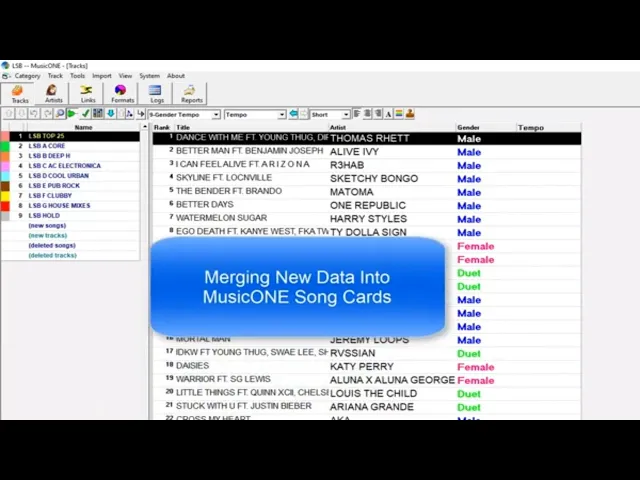
Watch the video on YouTube: Music 1 - Importing and Merging Song Data
Merging missing data onto song cards
Sometimes you may want to import and merge some missing data onto M1 song cards. This can be done if you have a text file that contains the data fields and also has something M1 can use to match-and-merge. The best field to match on is the Cart number for each record in your data file. You can also match on Title+Artist.
In this example, my station database had dozens of song cards missing the Tempo or the Gender. I made a work-copy of my station database and moved it onto my office computer where I updated the tempos and genders as I found time. Finished with my updates, I made a report that included three fields: Tempo, Gender and Cart number. It is a .csv report; that is, the data is in a comma-separated text file. Opened with Notepad, it will look like this: “Cart”,”Tempo”,”Gender”. I ran the report and saved it to a Dropbox that I share with the station computer in another part of town.
Last step, I logged onto the station computer and merged the missing tempos and genders onto the song cards.
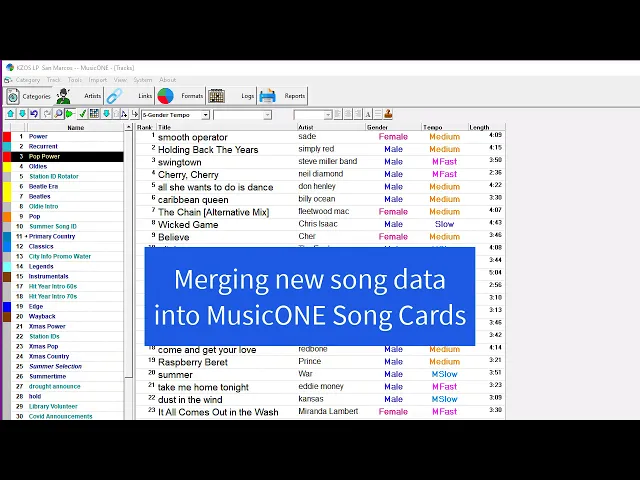
Watch the video on YouTube: Merging New Data onto MusicONE Song Cards