MusicOne Windows · Rules & rule violations
Rule Violation: Song Prev Day
Understand the Song Previous Day rule, and fix the stops it causes by correcting the category’s rotation pattern.
Updated
This rule prevents songs from being scheduled on successive days in or near the same time slot.
This rule is usually only needed for the categories that have their songs getting repeat plays every day and especially those categories that have their songs being repeated multiple times each day.
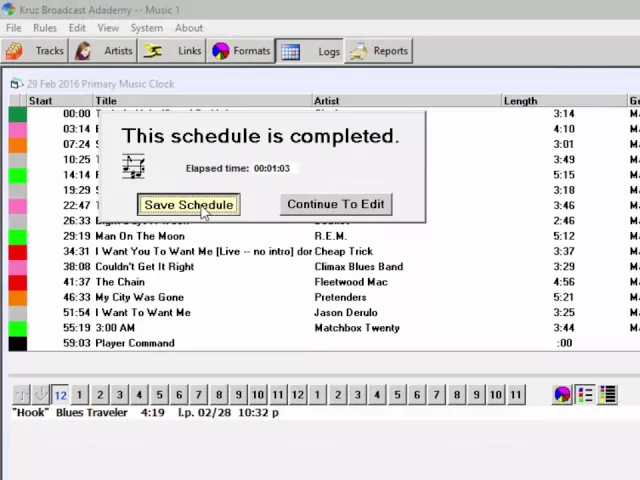
Watch the video on YouTube: Scheduling - Song Prev Day Rule
M1 keeps stopping with “Same Song Previous Day”
It’s happening because the natural rotation formula for the category has songs coming up near the same time every day and you’ve got the Previous Day Separation rule set for a wider window than is possible. Here’s a quick fix…but the best thing to do is to correct the rotation pattern of the category itself by changing the number of songs in it.

