MusicOne Windows · Automation software
Automation / Playout System Selection
Tell Music 1 which automation or playout system you use, so it makes the right playlist file for it.
Updated
Automation systems and Playout systems are the same thing. Some areas of the world call the software that delivers the sound to either a transmitter or a web stream: “Playout”, other areas call them “Automation”.


Here’s A Video
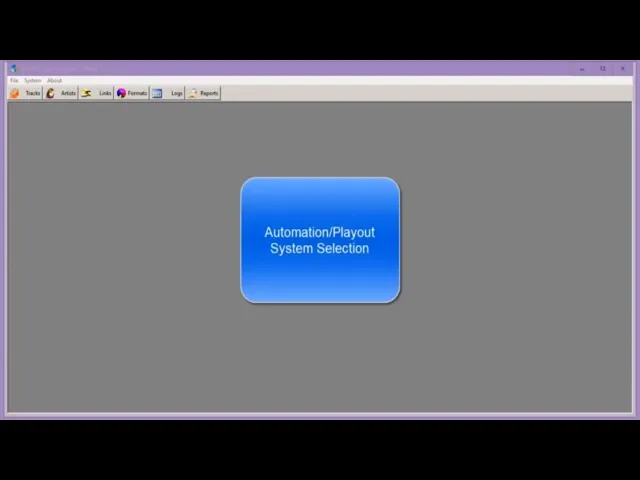
Watch the video on YouTube: Setting Your Automation System
Set your automation system
An automation system is a playout system, and a playout system is an automation system. Mostly in the United States we call them automation systems; on the internet, in Europe and around the world they’re called playout systems. Whatever you use to broadcast your station, through a terrestrial antenna or the internet, Music 1 interfaces with it.
Choose the automation format
Open the System menu and select System Settings.
Click the Automation tab.
Automation Format is the first field to work with. All the different automation and playout systems are listed here, for example Digilink, Simian and SAM Broadcaster. Select the system you use.
Check the date format
The date format is selected automatically for that automation system, and you can change it if you need to. The log or playlist file for every day needs some way to identify itself, so the playout system loads the right file each day for the next day. All the different orders of month, day and year are here.
The reconcile format, for the most part, isn’t needed, because most people don’t reconcile with Music 1. If you want to reconcile, send us an email and we can talk about it.
Set the log folder
The other important field is Log Folder. This is where Music 1 sends the playlist files for your automation system.
Double-click in the field. A window opens: Locate Automation Log Folder.
Click through your system or network and select the folder where you want the log files.
Click Open. The path now shows in the field.
From then on, Music 1 saves your playlist files into that folder.
All Installed Automation System Outputs
