›
›
›
Editing Tip: De-glitching An Artist Separation Anomaly
MusicOne Windows · Scheduling & logs
Editing Tip: De-glitching An Artist Separation Anomaly
Fix a scheduling stop that keeps coming back with the same one or two choices, and keep daily editing under five minutes.
Updated
MusicONE is designed to schedule each and every song in a category the same number of times (hour-restricted songs, excepted) and to do it without violating any of our formatting or music flow rules. Doing so requires some human edits during scheduling sessions for most music directors. Three to a dozen edit-stops per schedule is typical. If it takes you more than ten minutes to get a log completed, you may request an exam of your formatting and rules interaction. It should take less than five minutes a day to get a violation-free schedule each day.
If it happens that M1 begins stopping for an editing decision that seems odd and begins showing up over and over, usually presenting only the same one or two choices, there is always a reason and it can usually be fixed easily once we know that reason. Here’s an example of one such situation in the video here. It runs 2:27.
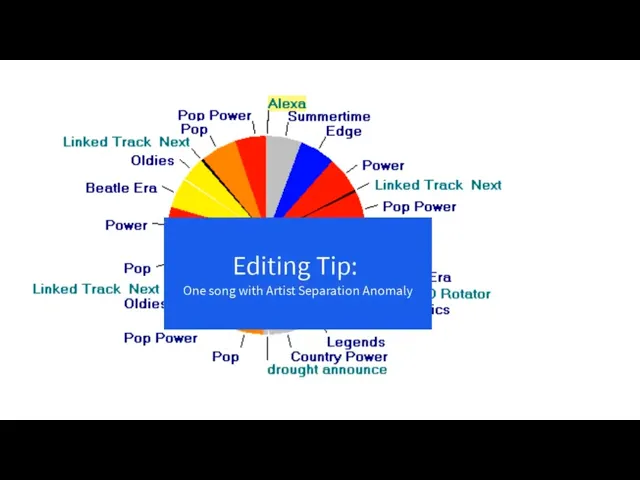
Watch the video on YouTube: M1 Scheduling Tip: Artist Separation Anomaly
Here’s a brief tutorial about Shuffling; why, when and how often.