MusicOne Windows · Clocks & formatting
Format Clocks 101
Build the hours your station plays: format clocks, clock items, spot breaks, clock rules, Dayformats and dayparts, in short videos.
Updated
Watch the video on YouTube: Format Clocks 101
Making clocks in M1 is easy. First you need to have Categories, both Music and Non-music. Each category must have at least one audio card in it.
Watch the video series on YouTube: Clocks
Clocks, Clock Rules, DayFormats, Dayparts
Creating New Format Clocks
Watch the video on YouTube: Clocks - Creating New Format Clocks
Format Clock Items
There are different types of units that can be added to clocks. This video talks about these items and what can be done with each of them.

Watch the video on YouTube: Clocks - Clock Items in Music 1 Pro
Spot Breaks
Spot Break units can be used in one of two ways; 1) they can send “merge points/markers” to the automation system, helping them to properly merge the music and advert schedules; 2) they can allow M1 itself to import the traffic log and merge the commercials into the M1 editor which can then deliver a fully merged log file to the playout system.

Watch the video on YouTube: Clocks - Spot Break Items
Moving and Changing Items On Format Clocks
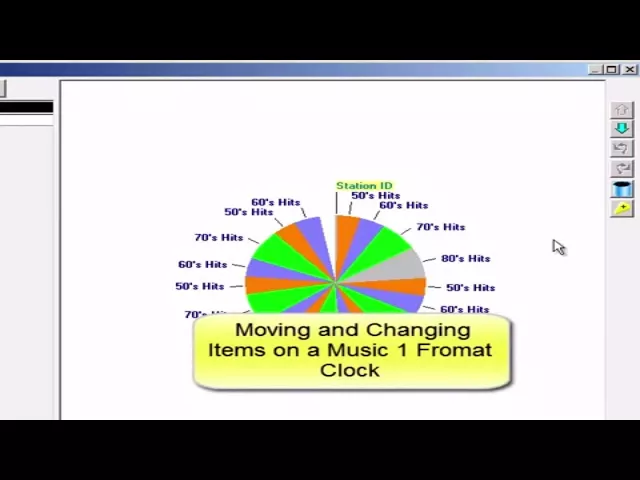
Watch the video on YouTube: Clocks - Moving & Changing Format Clock Items
Clock Rules – Part 1
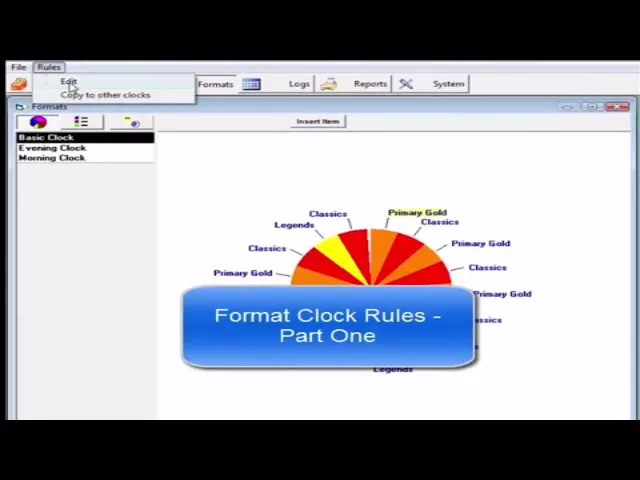
Watch the video on YouTube: Clocks - Clock Rules Part 1
Clock Rules – Part 2
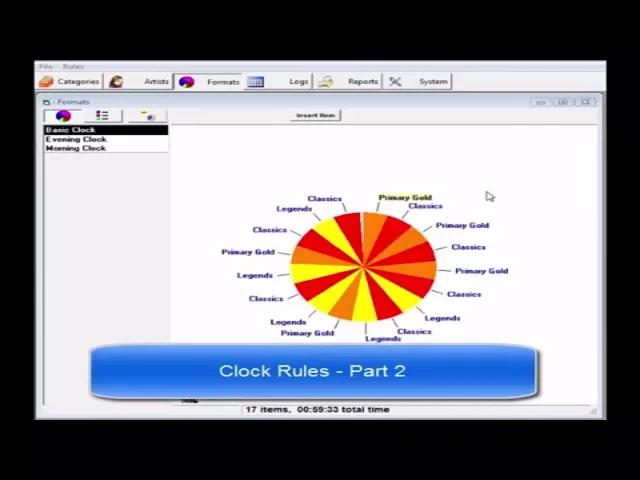
Watch the video on YouTube: Clocks - Clock Rules Part 2
Clock Rules – Part 3
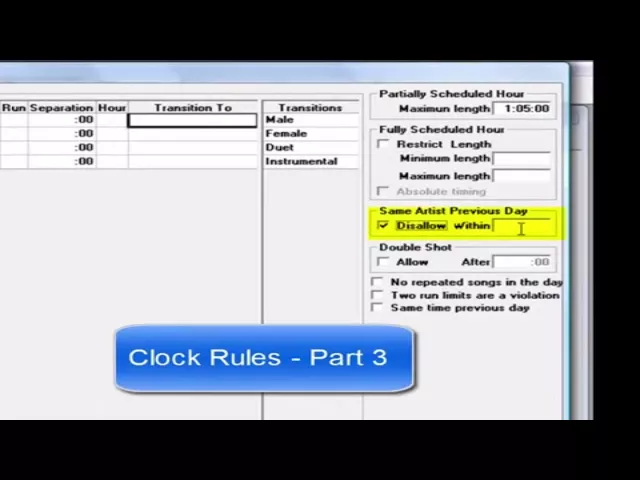
Watch the video on YouTube: Clocks - Clock Rules Part 3
Clock Rules – Part 4 Double-Shots
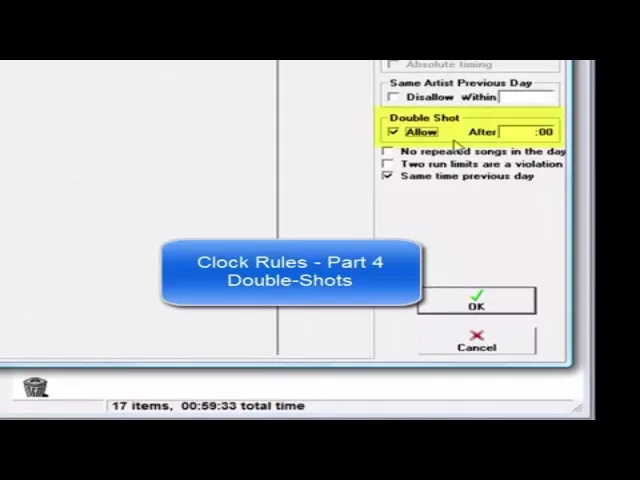
Watch the video on YouTube: Clocks - Clock Rules - Part 4 - Double-Shots
Clock Rules – Run vs Separation
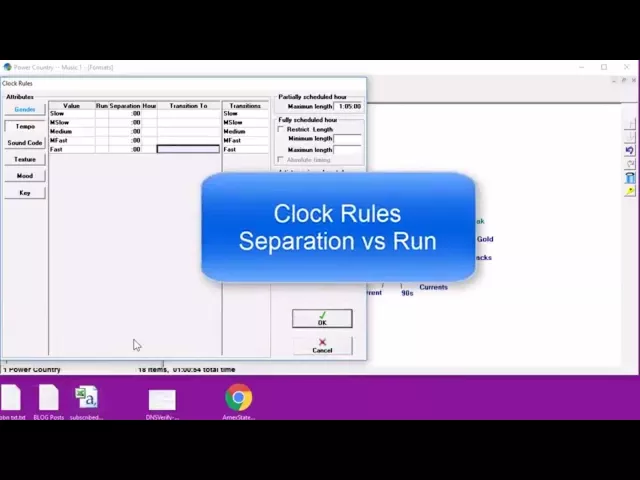
Watch the video on YouTube: Clocks - Clock Rule: Run vs Separation
Clocks to Dayformats
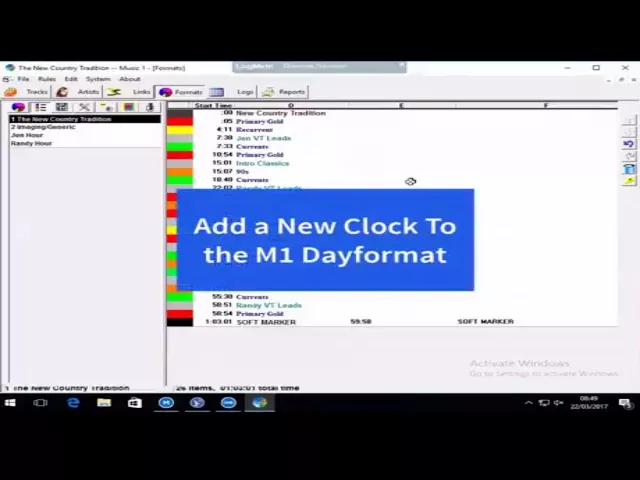
Here is a quick refresher about how to get a newly created Format Clock onto the hour/clock lineup, that which we call the DayFormat.
Watch the video on YouTube: Clocks - New Clocks to DayFormats
DayFormats
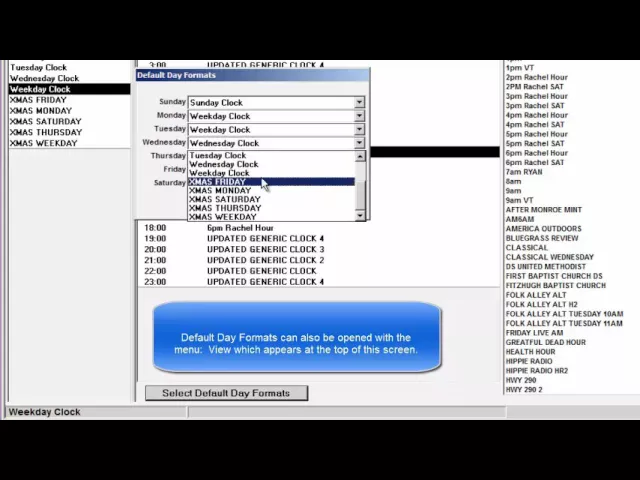
A Dayformat is a simple grid with one slot for each of the 24 hours of the day. You click into each slot the clock you want to use for that hour. Most broadcast stations use three Dayformats, one for Weekdays, another for Saturday and for Sunday. Some stations have a specific Dayformat for each day of the week. (Note 1: The SE version has only one Dayformat, named the Hour Clock Lineup)
Watch the video on YouTube: Clocks - Default Day Formats
Defining Dayparts
Dayparts are specific times of the day. These are user-defined. Typically they have been: Morning, MidDay, Afternoon, Evening and Overnight. When Dayparts have been installed, it becomes easier to ‘hour restrict’ songs, preventing certain songs from being scheduled at certain times of the day. (You can also do that without defining dayparts.) And, you can install formatting rules instructing M1 to not schedule a song again at the same time of day until it has scheduled in 1 or more other dayparts.
Watch the video on YouTube: Dayparts - Creating Default Dayparts