MusicOne Windows · Reports & printing
Reports – Exporting to CSV
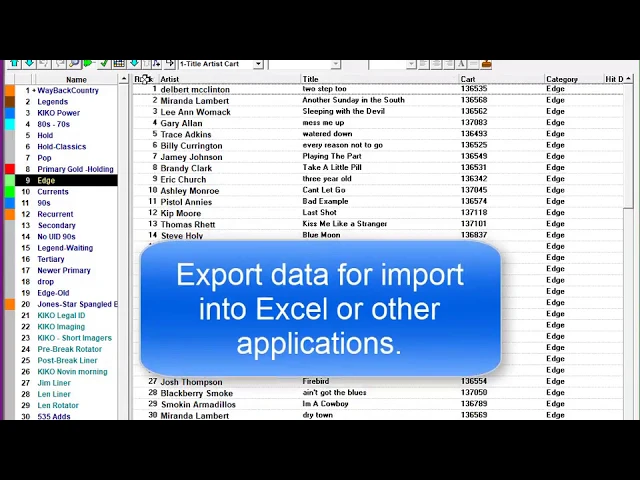
Export report data as a CSV file to use it in Excel or another database.
Updated
The music licensing reports for BMI, ASCAP, SoundExchange and PRS/PPL are all built-in and conform to the specific requirements of each agency. Reports for your own uses are user-designed; you select the data fields you want to include in the report, arrange the order of the fields and select how you want the report to be printed; either to paper, pdf or to text files. When you want data to import into Excel or some other database, the “csv” type is the most versatile.