MusicOne Windows · Scheduling & logs
Scheduling Two-For Tuesdays
Schedule artist double-shots all day on Tuesday, or just a few times across the day.
Updated
Album Rock stations did it first, I think. Double-shots, two in a row by each artist played all day on Tuesday. Two-For Tuesdays the first guy called it. Catchy name and it was a big success, a programming idea that was soon widely used in lots of formats.
If you want to do it all day, or just a few times scattered here and there during the broadcast day, here’s how:
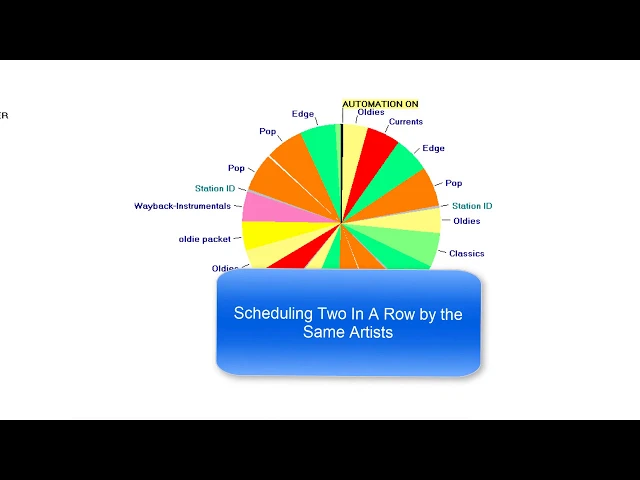
Watch the video on YouTube: Music 1 - Scheduling Two-For Tuesday's
Set up Two-For Tuesday
1. Build a two-for clock
Clone one of your format clocks.
Make every second category on the clock a Song from Search item: right-click the category name, select Properties and change the item type to Song from Search.
Set the link type to Artist and the alignment to Previous Song. So when a Beatles song schedules in the Oldies category at the top of the hour, it’s followed by another Beatles song.
Select the categories Music 1 may search, for example Primary Gold, Oldies, Classics and Legends. Music 1 then only looks in those four for a song that matches the artist scheduled directly before the slot.
To build the clock faster, right-click the Song from Search item and copy it. Then put the pointer over the next category, right-click and paste, and do the same after every other category around the clock.
The clock is now overscheduled, so cut the unnecessary content until the clock’s expected time is just a bit more than 60 minutes.
2. Create a Tuesday Dayformat
Clone your Dayformat and name it Two-For Tuesday. Select the hours where you want to do this (here 6 am through 7 pm) and drop the clock into those hours.
3. Turn off two rules and schedule
Start a new schedule and select the new Tuesday Dayformat. Click to the 6 am hour to check you’ve selected the right clock lineup.
You’ll have to turn off a couple of rules for this. The first is the female run rule: normally there are no two female songs back to back, but a Brenda Lee song at the top of the hour has to be followed by another Brenda Lee song. You could pick one of the choices yourself and double-click to drop it in, but you’d run into this all day. The other is artist separation, which has to be ignored on a two-in-a-row day.
So go to Rules Enforcement and uncheck both the gender run rule and the artist separation rule. Then schedule.
4. Check the result
Look at the 7 am hour, say: two in a row by Jerry Lee, Pam Tillis, Waylon and the Eli Young Band. But there are some unscheduled slots too. When you play only one song by an artist (here Kacey Musgraves, Joe Walsh and Kat Edmonson), Music 1 literally has nothing to choose from for the second slot, and it won’t schedule the same song twice back to back.
So make allowances when you do this: be sure you only schedule artists you play a lot of songs by.