MusicOne Windows · Clocks & formatting
Announcers – Naming & Dayparting
Name and daypart up to 10 announcers so each one’s promos and voice tracks schedule only in their own shift hours.
Updated
M1 allows up to 10 “Announcers” to be named and day-parted. When an announcer name is clicked into any non-music card, then that one can/will be scheduled ONLY in the hours assigned. This will allow you to have, for example, one single Promo category containing tracks recorded by all of the stations’ announcers; M1 will schedule the morning guy’s promos in his shift hours and no others.
Later Edit: In this video, I say a one-second separation is enough for the announcers. There, I was thinking only about preventing back-to-back play of two recorded announcements by the same voice.
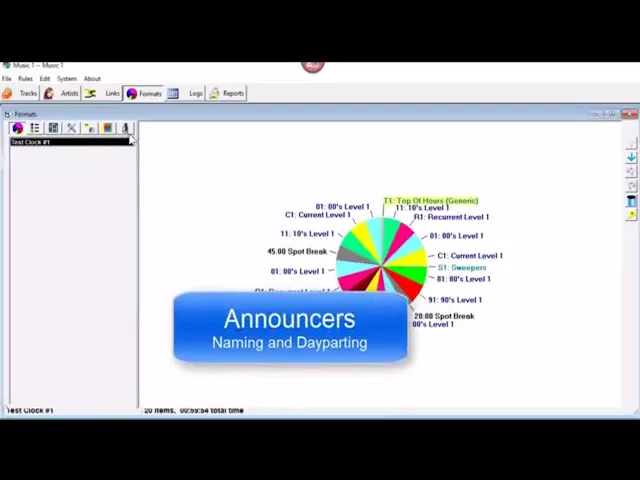
Watch the video on YouTube: Music 1 - Announcer Set Up
When multiple announcer voices are used frequently, you may Name them and put some controls to them. Such as ensuring that two different voice tracks by the same announcer will not be scheduled back-to-back. Or, getting all of the voice tracks by an announcer be scheduled within a certain time frame.