MusicOne Windows · TrafficONE
Convert a Non-Music Card To a Spot Card
Move commercials that were imported onto non-music cards over to Spot cards, so TrafficONE schedules them properly.
Updated
There are two types of Cards in M1; Music cards and Non-Music cards. With TrafficONE, there is a third type, a Spot card. Audio items need to be on the right type of card in order to be scheduled properly. After a new library data import, you might find some items have come into M1 or T1 on the wrong type of card. This two-minute video shows how to correct them.
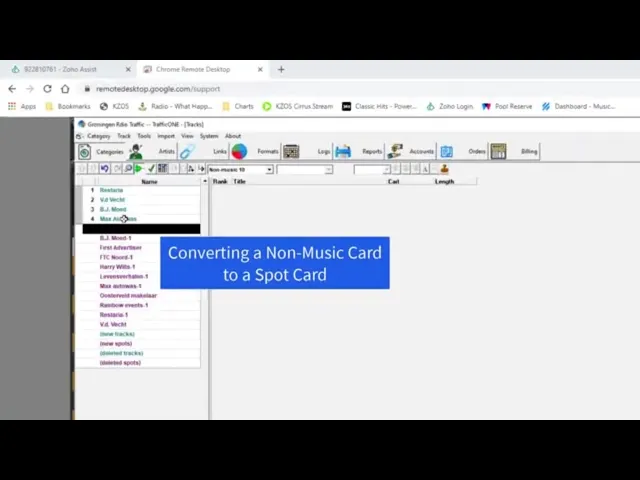
Watch the video on YouTube: Convert Non-Music Card to Spot Card
Step by step
When importing new music and non-music data into Music 1, any and all units that are 60 seconds or less in length are imported onto non-music cards. If you are also using Music 1’s TrafficONE for commercial scheduling, the commercials need to be converted from non-music cards to Spot cards. Here’s how to do that:

