MusicOne Windows · TrafficONE
TrafficONE – Packets
Rotate an advertiser’s commercials equally by putting them in a packet.
Updated
When your advertiser has two or more commercials that are to be scheduled to rotate equally, create a packet. This video shows how to do that. The commercials/announcements that are within the packet may also be scheduled individually with separate Orders.
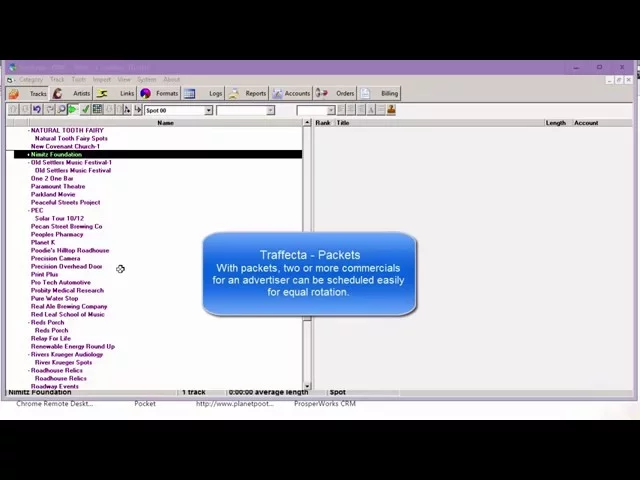
Watch the video on YouTube: TrafficONE Packets
Make a packet
In this example, the advertiser category Precision Camera has two commercials: Precision Camera and Precision Camera 2. Each could be scheduled on its own, but we want them to rotate.
Go to Track, select New, and select Packet.
Name the packet (here: Precision Pack). It shows right under Precision Camera, because it’s a packet of that advertiser.
Click the small plus sign to the left of it to show or hide what’s in the packet.
Select the two commercials and drag them into the packet. Done.
The packet is scheduled under Orders exactly as a single commercial would be, and the two commercials in it rotate equally.
The commercials can still be scheduled individually. For example, if Precision Camera 2 were used for a news sponsorship in the 7 a.m. news, it could be scheduled on its own, outside the packet.