MusicOne Windows · Clocks & formatting
Formatting Christmas with Music 1
Add Christmas music by cloning clocks and Dayformats, and avoid title separation problems with rank order and packets.
Updated
Some stations go all in with loads of Holiday music during the season. Most of us add it lightly, sprinkling the songs of the season into the regular music mix. Either way, it can be done quite efficiently by cloning and editing format clocks, substituting the Christmas categories where desired. The Christmas clocks then need to be put into one or more Dayformats and it’s best to clone and edit those, as well. This three minute video shows the basics.
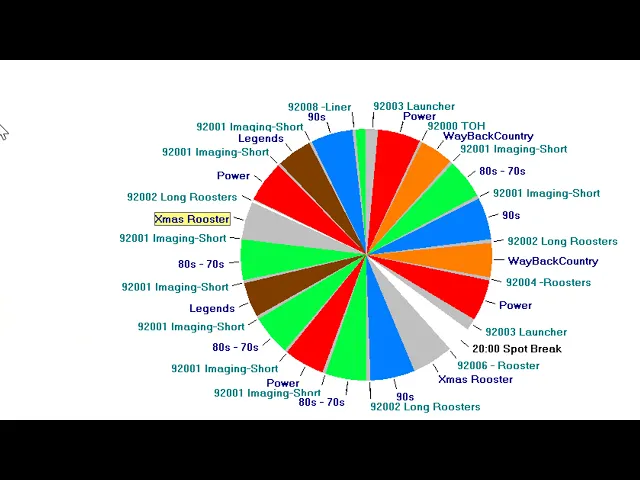
Watch the video on YouTube: Christmas Formatting with Music 1
Christmas Title Separation
Playing multiple versions of the same Christmas standards present unique title separation problems. You can make it easier with a few simple things. First, make sure the same-title songs are well separated in the Rank order in the category. Second, using Packets allows you many versions of a song and never have a title separation problem because the “song” gets scheduled, but with a different artist each time.

Watch the video on YouTube: Scheduling Christmas with Music 1 - Title Separation
Christmas Packets
Playing multiple versions of the Christmas standards can present title separation problems. Packets are the answer. The low-res video below was made long ago, but the way to do it is still as you’ll see.
