MusicOne Windows · Clocks & formatting
Formatting Hit Year Stagers
Schedule the right "Hit Year" stager right before each oldie, with Linked Tracks and Link Types or with the Hit Year field.
Updated
You know those little productions that say: “Hit Year 1998” and are scheduled directly before an Oldie from that year. They sound slick and they are easy to format. There are two ways to do it with Music 1. Here’s one way in the video below. The second way is shown further down this article. Neil Campbell the M1 code author thinks the second way is the better. Still, most folks do it in the manner shown below.
Watch the video on YouTube: Hit Year Stagers
Option 1: Linked Tracks and Link Types
Linked Tracks are a way to have the music scheduler place certain selected types of things before or after songs. This four minute video shows how to format such things. There are five Link Types to work with. We could create and name one or more as you may need. In this video, I’m linking Hit Year Intros to songs that were on the airplay charts in their respective years.
Watch the video on YouTube: Linking Hit Year Intros and Stagers
I have some Hit Year stagers. I want to link them to my songs so the correct Hit Year stager will be scheduled before a song. A 1999 song should have a “1999” stager before it; a 2003 song should have a “2003” stager before it. How do I get this done?
I’m assuming you already know how to link the tracks to the songs. If not, there’s a video in Linked Tracks – Linking To Songs showing how it’s done. To do the type of linking you need there are a few set-up steps. First, you need to create a Link Type. Then you apply that type to the tracks. And finally after you’ve added the Linked Track unit to a format clock, you select your Link Type. Here are some screen shots showing what to do.


Option 2: the Hit Year field
There are two ways to get M1 to schedule a Hit Year stager immediately before an Oldie. One way is with Linked Tracks and user-defined Link Types. That way is shown above. The second way to do it is shown in the video below.
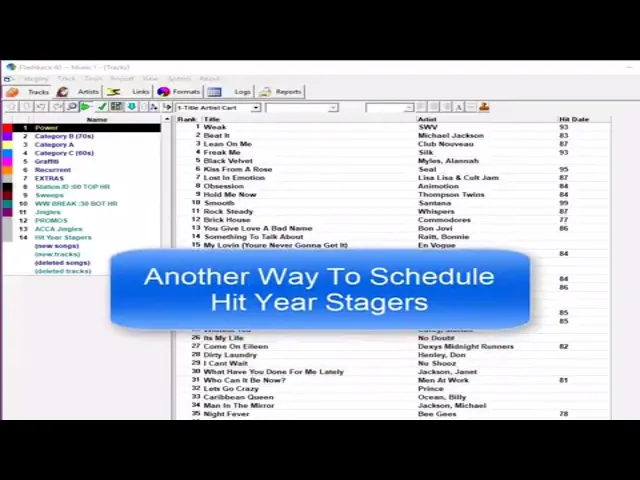
Watch the video on YouTube: Scheduling Hit Year Stagers - Second Option