MusicOne Windows · PlayoutONE
PlayoutONE – Import Settings
Set how PlayoutONE types come into Music 1, import music onto Song cards, and keep unneeded tracks out of M1.
Updated
There are three “Types” in Music 1. These are audio card types; Music, Non-Music and Advert or Spot. PlayoutONE may have many different Types of its own, such as Jingle, Liner, Promo, etc. All of these are to be marked as a Music 1 Non-Music Type. The two minute video below shows how to set the types for proper connections and updates within Music 1.
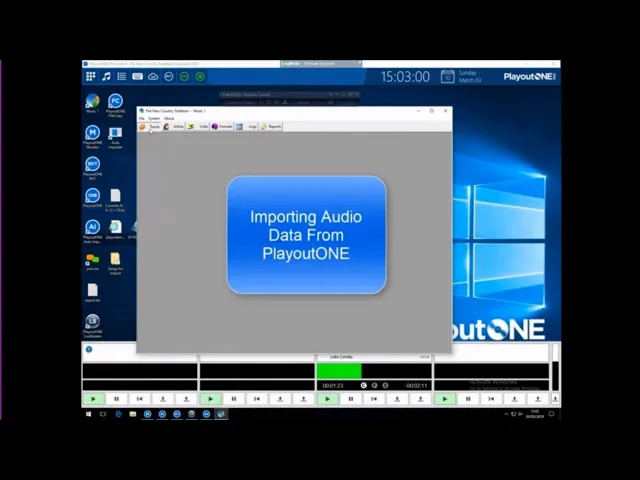
Watch the video on YouTube: Music 1 - PlayoutONE
Importing Types
When P1 imports from mp3 files, or other type files that have meta-data tags, the “genre” field will be imported as a new track “Type”. Music 1, however, only uses two track types; Music and Non-music. If you are importing music, you must select Song as the track type; otherwise the tracks will come into M1 onto non-music cards and will need another step to ‘convert’ them onto Song cards.
Note: When using M1’s TrafficONE traffic/billing module there will also be a third M1 track type: Advert.
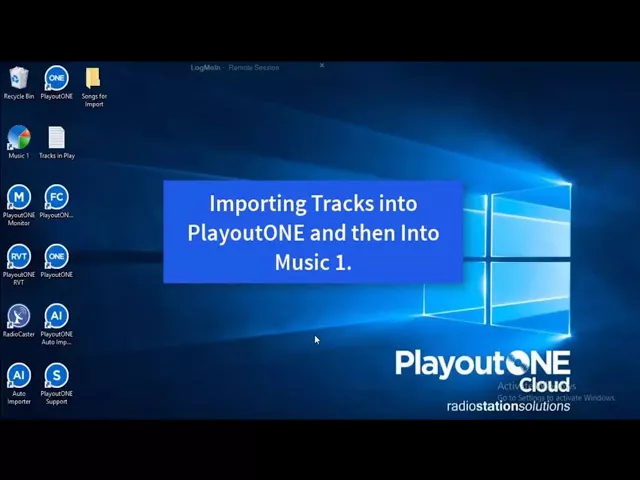
Watch the video on YouTube: PlayoutONE - Importing Manually
Importing and Not Importing
Music 1 automatically imports new audio metadata that is imported into the PlayoutONE automation system. It will import only the “types” of audio that you choose and will omit importing unnecessary audio data. This allows you to prevent the one-time-use Daily Voice tracks from being imported onto Music 1 audio cards. Further, you can prevent other things from coming into Music 1. In this video, the station has 53,000 audio tracks in PlayoutONE, but 40,000 of those will never be scheduled for broadcast so there’s no reason for those tracks to take up space in Music 1. The station created a PlayoutONE “type” named: Library, then directed Music 1 to not import any track with the Library type.
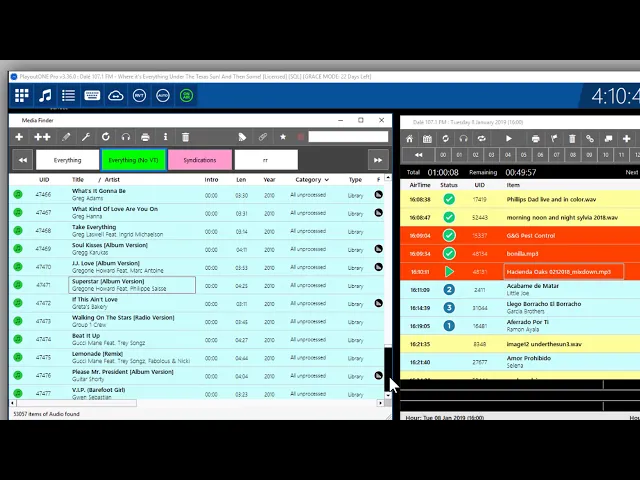
Watch the video on YouTube: PlayoutONE Importing and Not Importing